How to keep track of truck loads with your phone
Count truck loads from the cab: one tap per load, a time on every tap, totals per truck and a shift total you can export to a load sheet.
100,000+ people count on it
The little things. The big milestones. Tally Counter is a beautifully simple counter app for iPhone, iPad, Apple Watch and Android.


Simple by design
Everything you need to keep track. Nothing in your way.
Simple by design
A little app. A lot to count.
Everything you need to keep track. Nothing in your way.
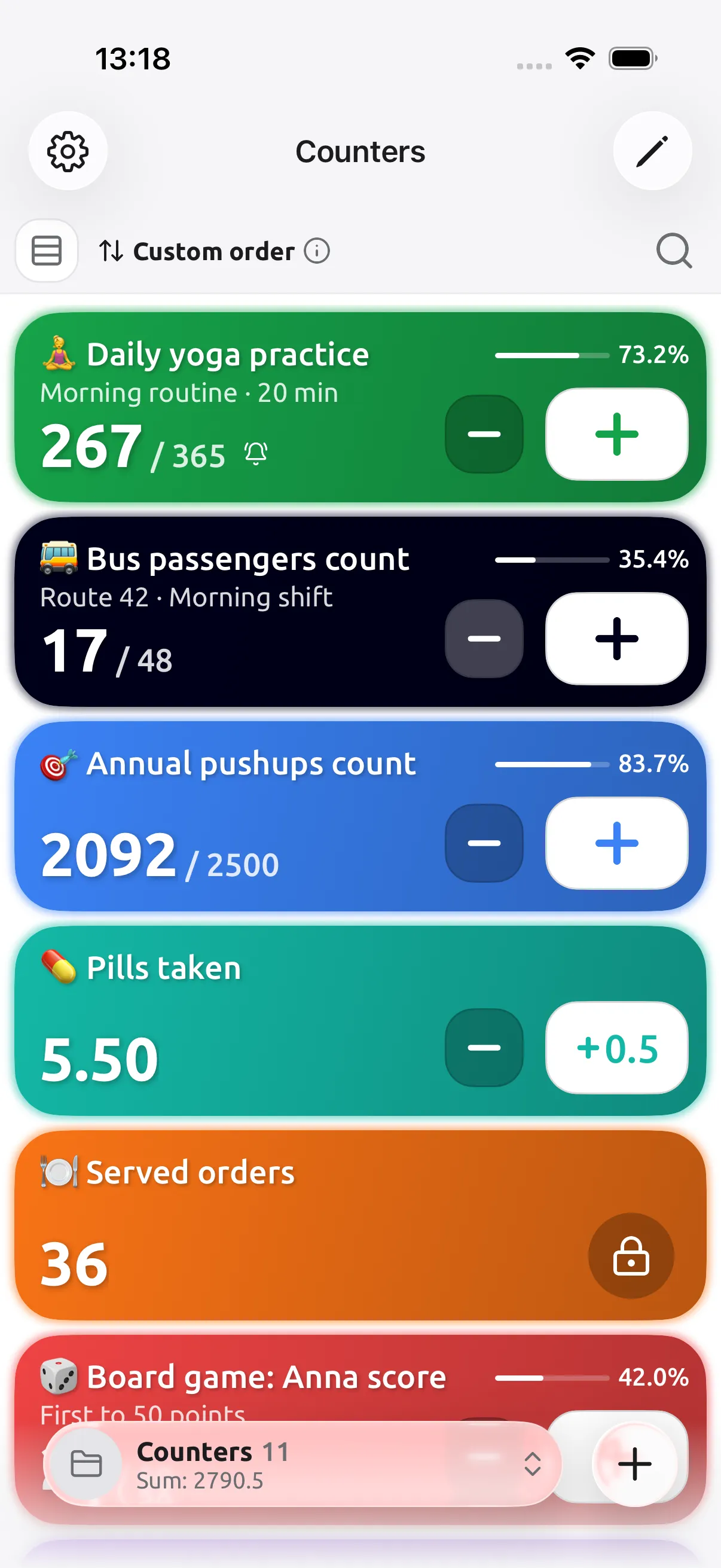
Reps, stock, scores, pills or passengers: keep every tally on one home screen. Watch goal progress at a glance, sort and search freely, and lock the counts that must not change.
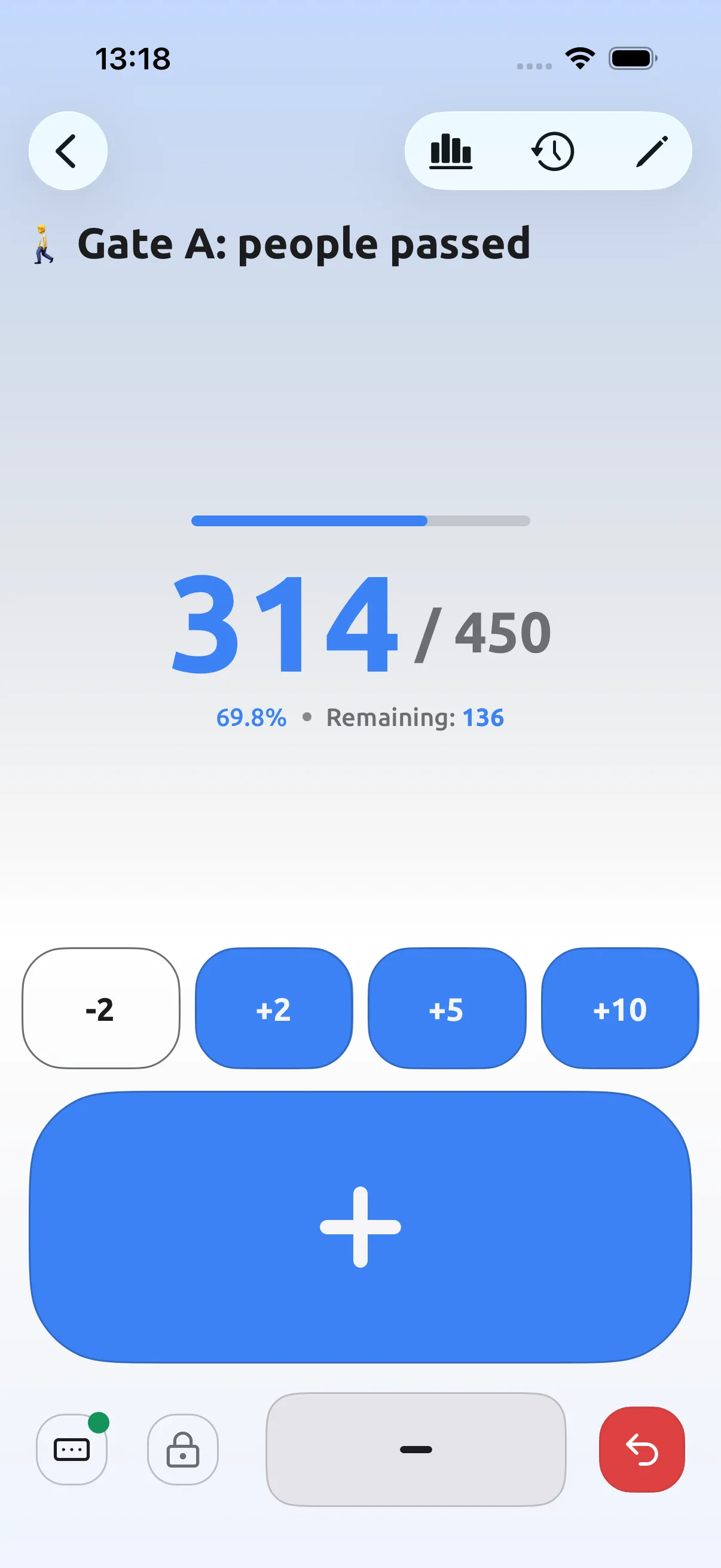
A big, thumb-friendly click counter with quick steps you choose, like +2, +5 or +10. Set a goal, and the progress bar, percentage and remaining count update with every tap.
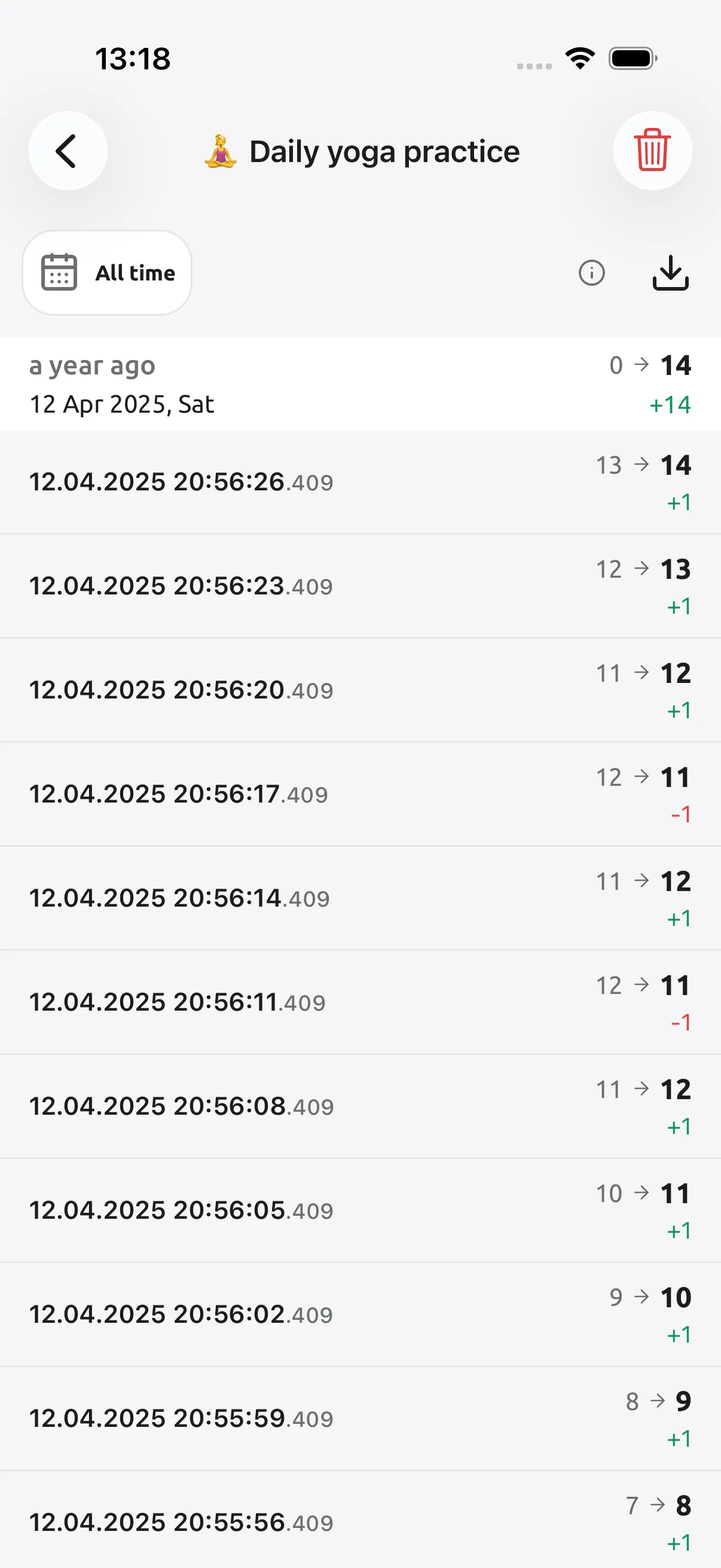
A timestamped log of every change, from the first count to the latest. Filter by date, catch the taps that went the wrong way, and export the whole history when you need it.
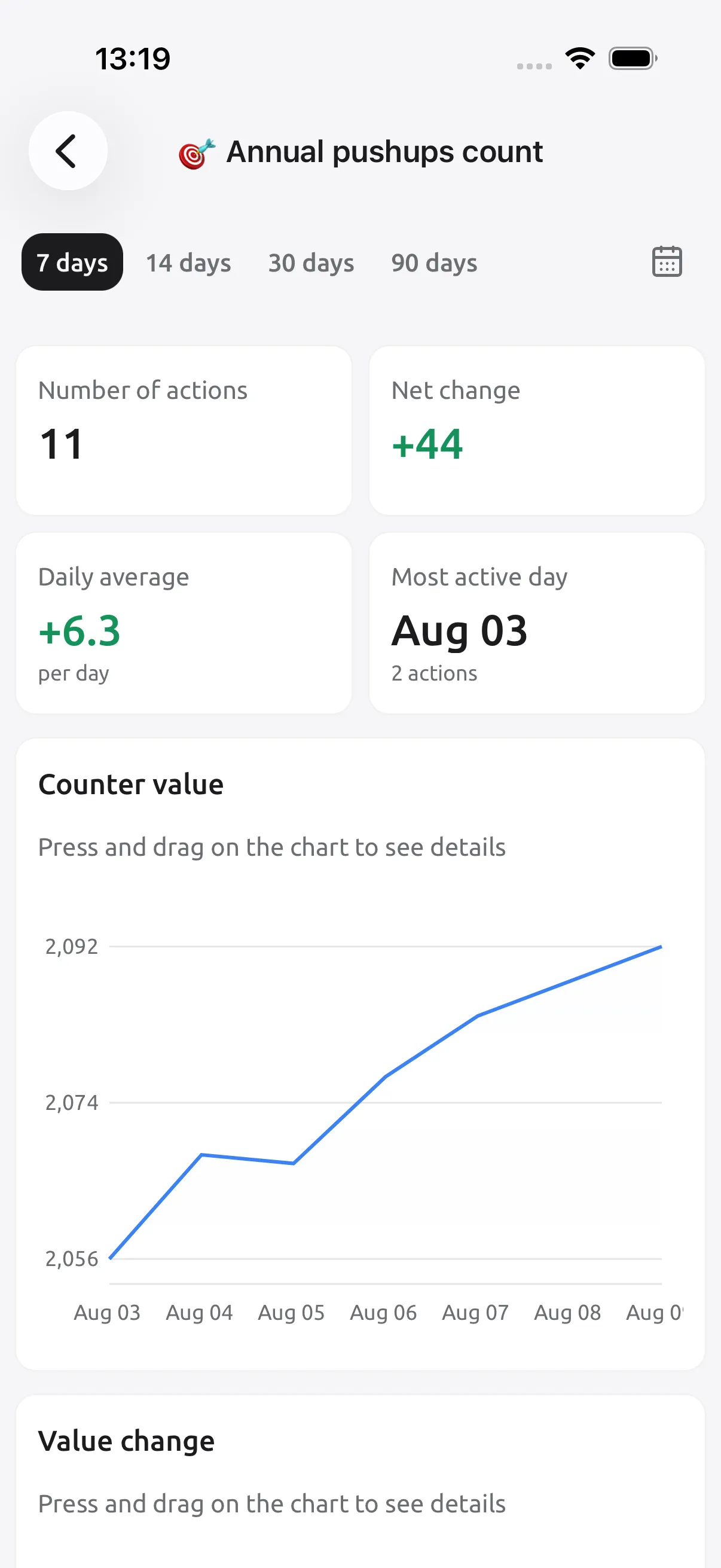
Charts for any counter over 7, 14, 30 or 90 days, or a range you pick. Net change, daily average and your most active day turn a simple tally into real progress tracking.
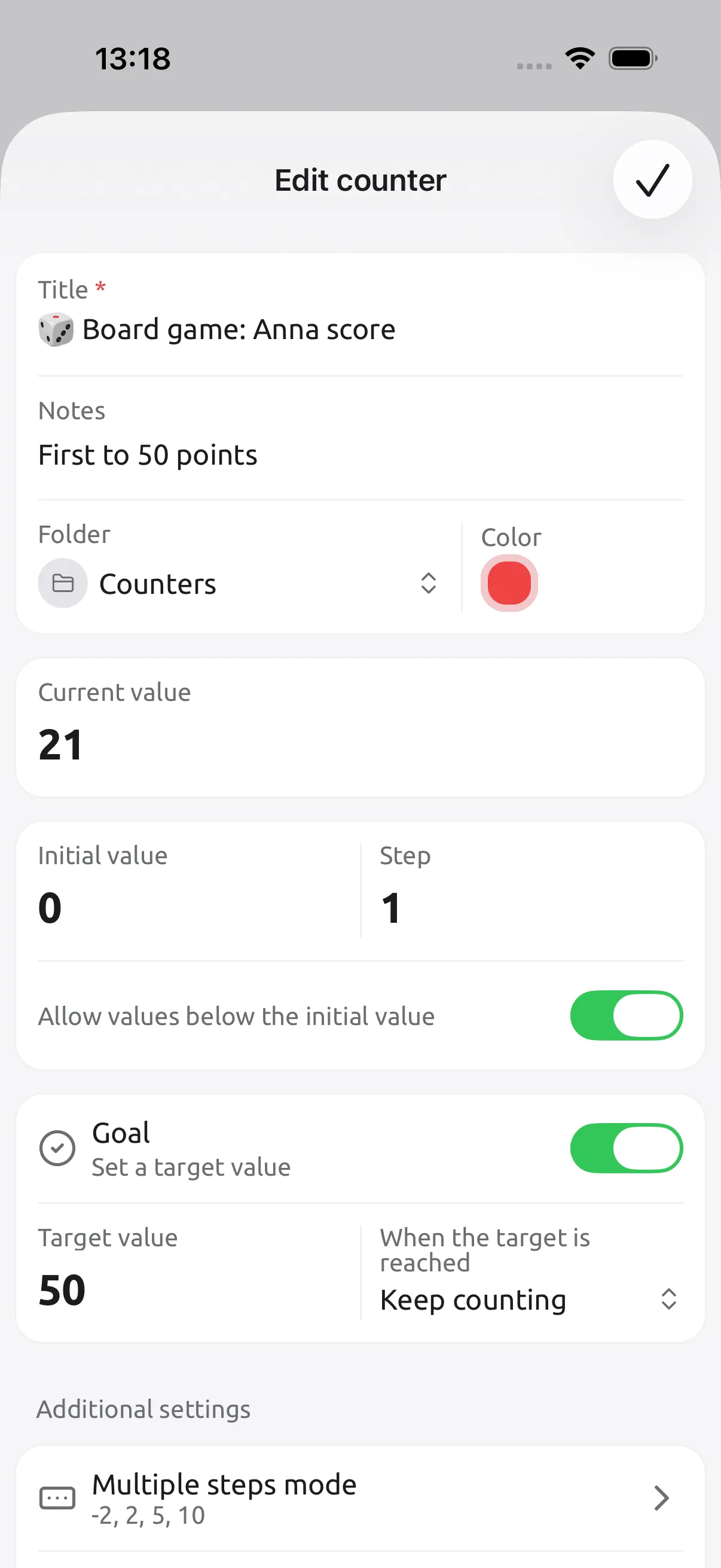
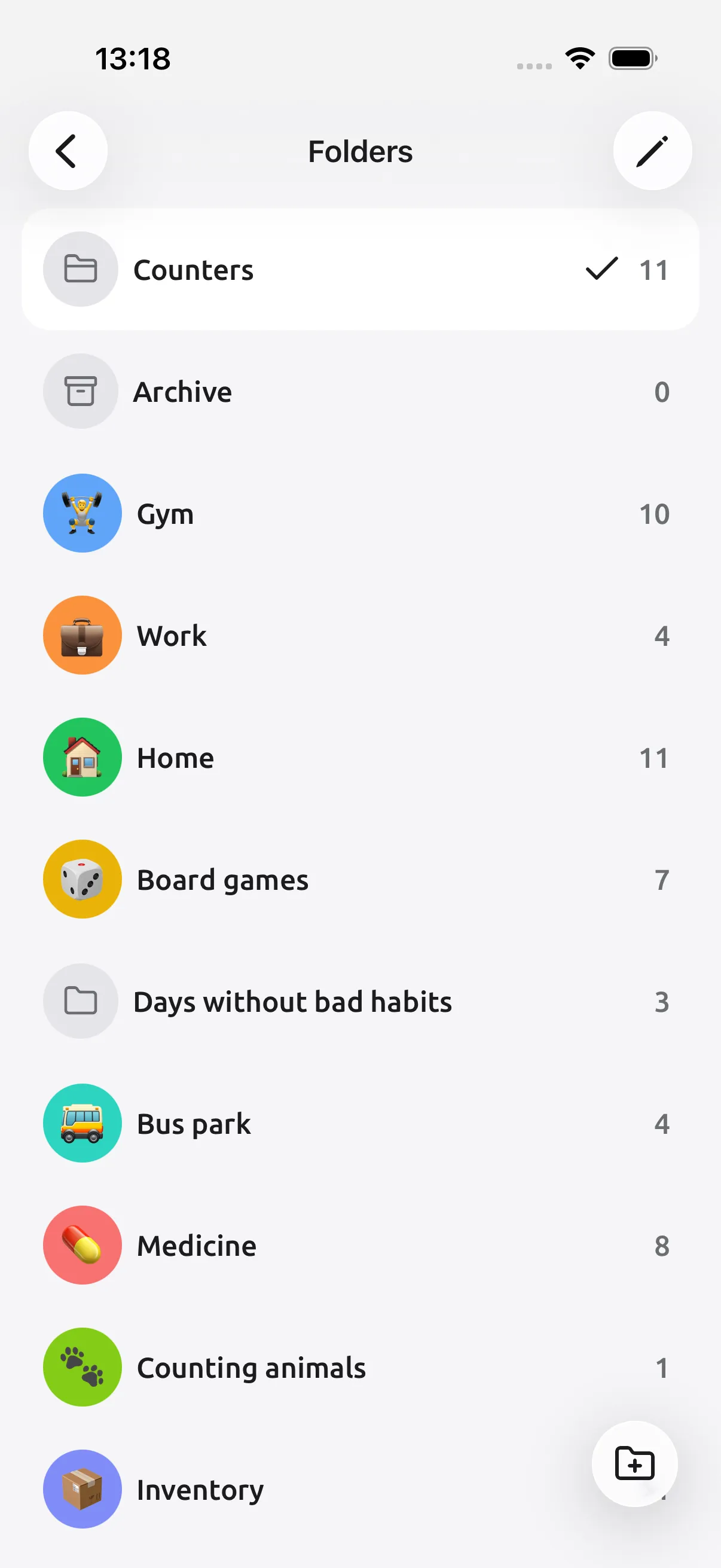
Name it, add an emoji and a note, pick a color and a folder. Choose the starting value, the step size, a target to reach, and quick steps for counting faster.
Group counters into folders for the gym, work, home, game nights or inventory, each with its own icon and color. Archive what’s finished and keep the list focused on today.
Little taps. Lots of love.
Real reviews from Tally Counter users.
4.9 out of 5App Store80 ratings
4.6 out of 5Google Play933 ratings
It's the best one I've tested, and having no ads is really pleasant. The developer is also very responsive whenever there's a problem!
Now I can count my beers at the bar with just one tap on the widget. Very good!
Every option is accessible and understandable, and it looks visually clean.
A very convenient, uncluttered interface, plenty of useful features, and a calm design. This app has become a lifesaver in my work.
Tally Counter does exactly what it promises and does it exceptionally well. Simple, reliable, and genuinely helpful for staying organized.
An outstanding app. It runs reliably and does what it's meant to. I use it every day.
A fantastic example of modern design done right. The striking UI is beautiful and incredibly easy to use from the start.
I use this app for cold calling. It helps me track conversions effortlessly and works flawlessly.
It lets you freely reorder counters and folders, and it has goals, import, and export. It's one of the best I've found.
I work as a batching plant operator. The equipment is old, so this app is the convenient way for me to log every concrete pour.
I've tried several counter apps, and this one is by far the most practical.
Once you set a target it alerts you, so you don't have to keep checking whether you've reached it.
I use this app to count orders at work. It looks so premium, works without any glitches, and is absolutely free!
The best counter app I've ever used. Very stable, with well-rounded controls and an amazing UI.
I load more than 200 trucks a shift. This app lets me list every truck and automatically records the time of every tap.
I use it to count stitches in my knitting. I love that I can give each piece a title and count it separately.
NOTES FOR EVERYDAY COUNTING
Make room for what matters. Start counting today.
Your counts. Your colors. Your pace.